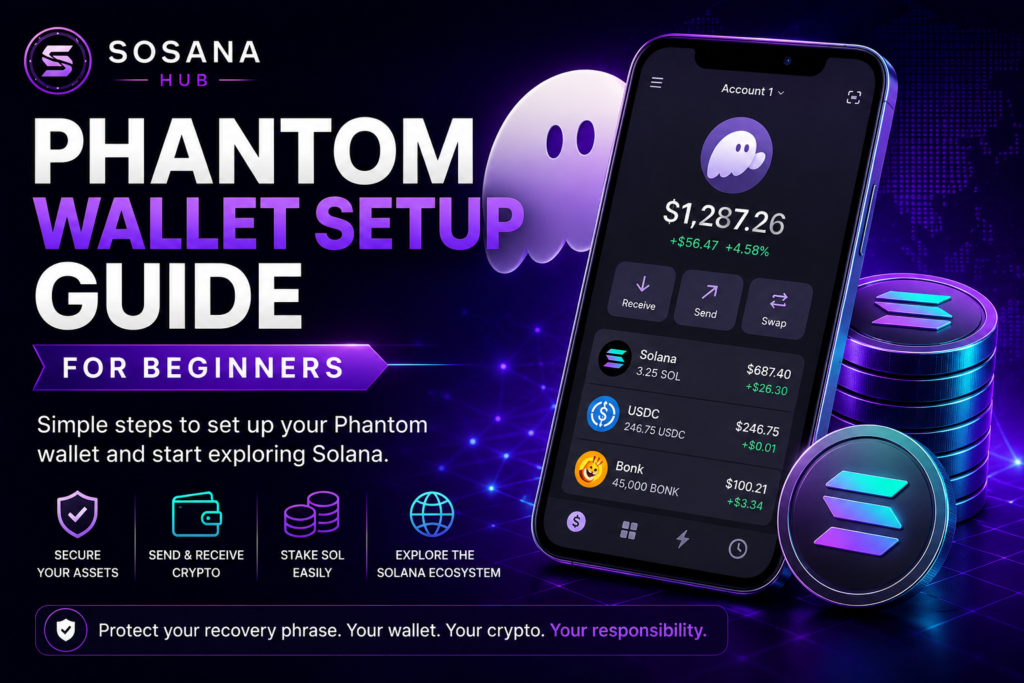
Phantom Wallet Setup Guide for Beginners
Getting started with cryptocurrency often begins with one important step: choosing a wallet.
For users exploring the Solana ecosystem, Phantom Wallet has become one of the most popular options because of its simplicity, security features, and beginner-friendly design. Whether you’re interested in learning about Solana, staking SOL, participating in communities like SOSANA, or simply storing digital assets safely, understanding how to set up a wallet is an essential first step. This guide walks through the basics of Phantom Wallet and explains what every beginner should know before getting started.
What Is Phantom Wallet?
Phantom Wallet is a non-custodial cryptocurrency wallet designed for the Solana ecosystem.
A non-custodial wallet means that you control your assets and your security credentials.
Phantom allows users to:
- Store cryptocurrency
- Send and receive assets
- Stake SOL
- Connect to decentralized applications
- Explore blockchain communities
Because of its user-friendly interface, Phantom is often recommended for people new to Solana.
If you’re completely new to blockchain technology, we recommend reading our Solana Beginner Guide before setting up your wallet. Understanding the basics of the Solana ecosystem will make the wallet setup process much easier.
Why Many Solana Users Choose Phantom
Phantom has grown in popularity because it offers:
Beginner-Friendly Design
The interface is simple and easy to navigate.
Mobile and Desktop Access
Users can manage assets from multiple devices.
Built-In Staking
SOL staking can be managed directly within the wallet.
Ecosystem Support
Phantom connects to many applications built on Solana.
Before You Create a Wallet
Before downloading any wallet, understand one important concept:
You Are Responsible for Security
Unlike a traditional bank account, no company can recover your wallet if you lose access.
This makes protecting your recovery phrase critical.
Downloading Phantom Wallet
Always download Phantom Wallet directly from the official Phantom Wallet website.
Using the official website helps protect you from fake wallet applications, phishing attempts, and malicious downloads that attempt to steal cryptocurrency from unsuspecting users.
Avoid downloading wallet applications from unofficial sources or links shared through social media and direct messages.
Creating Your Wallet
Once Phantom is installed:
Step 1
Open the application.
Step 2
Select “Create New Wallet.”
Step 3
Generate your recovery phrase.
Step 4
Securely store the recovery phrase offline.
Step 5
Create a strong password.
After setup is complete, your wallet will be ready to use.
Understanding Your Recovery Phrase
Your recovery phrase is the most important piece of information associated with your wallet.
Anyone who gains access to this phrase can gain access to your assets.
Never:
❌ Share your recovery phrase
❌ Store it in screenshots
❌ Email it to yourself
❌ Send it through messaging apps
Always:
✅ Store it offline
✅ Keep backups in secure locations
✅ Protect it from theft and damage
Adding SOL to Your Wallet
Once your wallet is created, you can add SOL.
Many users:
- Purchase SOL through supported providers
- Transfer SOL from an exchange
- Receive SOL from another wallet
SOL is needed to pay transaction fees and participate in many Solana ecosystem activities.
Using Phantom for Solana Staking
One of the most popular Phantom features is staking.
Staking allows users to delegate SOL to validators that help support the network.
If you’re unfamiliar with staking, read our What Is Solana Staking? A Beginner’s Guide before delegating your SOL to a validator. Understanding how staking works, potential rewards, and the risks involved will help you make more informed decisions.
Connecting to Applications
Phantom allows users to connect with decentralized applications throughout the Solana ecosystem.
Before connecting:
Verify the Website
Always confirm you are visiting the correct website.
Read Permission Requests
Understand what access is being requested.
Disconnect Unused Applications
Periodically review connected applications and remove those you no longer use.
Common Beginner Mistakes
Sharing Recovery Phrases
The most common and costly mistake.
Clicking Unknown Links
Many scams begin with fake websites.
Skipping Security Education
Spend time learning before connecting your wallet to applications.
Moving Too Quickly
Take time to understand the ecosystem before making financial decisions.
Security Best Practices
Every Phantom user should:
✅ Protect their recovery phrase
✅ Use strong passwords
✅ Verify websites
✅ Review wallet permissions
✅ Continue learning about crypto safety
For additional protection strategies, scam prevention techniques, and wallet security best practices, review our Crypto Safety Guide.
Phantom Wallet and the Solana Ecosystem
Phantom serves as a gateway to many aspects of the Solana ecosystem.
Users often begin by:
- Learning about Solana
- Staking SOL
- Exploring educational resources
- Participating in blockchain communities
Understanding how your wallet works provides a strong foundation for future learning.
Once you’re comfortable using Phantom Wallet, continue your journey with our How To Get Started With SOSANA guide to learn how newcomers explore community participation, project discovery, and educational opportunities within the ecosystem.
Continue Learning
Recommended Resources
➡️ What Is Solana Staking? A Beginner’s Guide
➡️ How To Get Started With SOSANA
These resources will help you build a strong foundation in cryptocurrency, wallet security, staking, and ecosystem participation.
Ready To Learn More?
Continue exploring educational resources and learn how communities like SOSANA participate within the Solana ecosystem.